 YZY Consulting LLC
YZY Consulting LLC
YZY Consulting LLC
No CAD. No plugins. Upload a photo, preview the result, export an STL, and print.
Lithomaker converts images into lithophane 3D models for 3D printing. When backlit, thickness variations reveal image detail, making lithophanes ideal for lamps, frames, and décor.
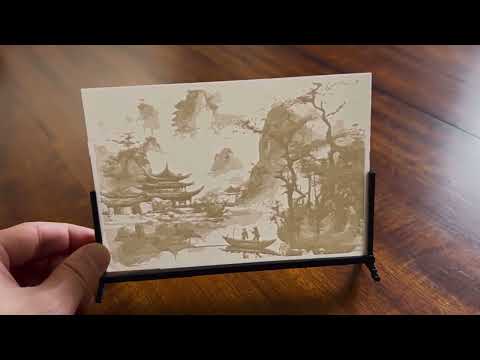
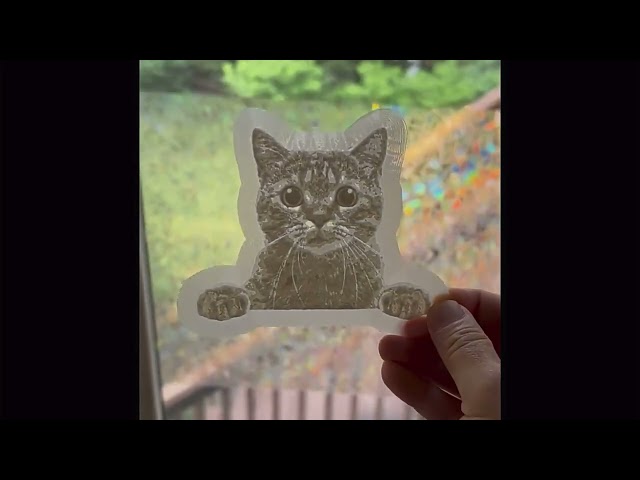
Note: The application may take up to one minute to load when starting. Thank you for your patience.
Tip: On small screens, you may prefer to open Lithomaker in a new tab .
Enjoying the tool? Support its development ❤️
White PLA Filament LED Backlight Strips Budget 3D Printer
